

Login to manage your information

Login Register

4 Ports GC Controllers USB Adapter for Nintend Switch Star Fighting Game 3 in 1 Controllers Adapter for Nintend Switch Wiiu/PC

  • 4 Ports GC Controllers USB Adapter for Nintend Switch Star Fighting Game 3 in 1 Controllers Adapter for Nintend Switch Wiiu/PC
  • 4 Ports GC Controllers USB Adapter for Nintend Switch Star Fighting Game 3 in 1 Controllers Adapter for Nintend Switch Wiiu/PC
  • 4 Ports GC Controllers USB Adapter for Nintend Switch Star Fighting Game 3 in 1 Controllers Adapter for Nintend Switch Wiiu/PC
  • 4 Ports GC Controllers USB Adapter for Nintend Switch Star Fighting Game 3 in 1 Controllers Adapter for Nintend Switch Wiiu/PC
  • 4 Ports GC Controllers USB Adapter for Nintend Switch Star Fighting Game 3 in 1 Controllers Adapter for Nintend Switch Wiiu/PC
PID: 63255
(0)
$24.95
$49.95
50% OFF
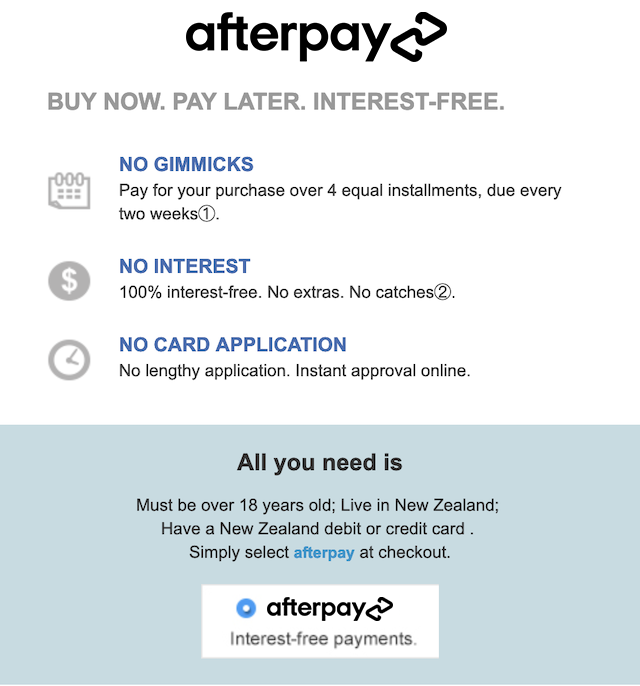
4 installments with ,
+ Delivery
ETA: 7 - 15 business days

Shipping Carrier: International Registered Post

Ships from and sold by Globaloutlet

We proudly accept:

Buy Now
contact us for more discounts on bulk buys

Item Description

4 Ports GC Controllers USB Adapter for Nintend Switch Star Fighting Game 3 in 1 Controllers Adapter for Nintend Switch Wiiu/PC

Features

  • 1. Connect the Wii u host: Plug the two power cord plugs into the main unit, switch the switch on the converter box to the Wii U (Switch) direction, and insert the handle to use. (supports vibration function)
  • 2. Connect the Switch host: Plug the two power cord plugs into the main unit, switch the switch on the converter box to the Wii U (Switch) direction, insert the handle and press the A button to use. (supports vibration function)
  • 3. Connect the PC host: Plug the two power cord plugs into the main unit, switch the switch on the converter box to the PC direction, and insert the handle on the No. 1 interface (if you use two handles, please insert the 1.2 interface).
  • 4. TRUBO function: Press and hold the button that you want to send the button, then press the TRUBO button to complete the burst function setting.
  • Press and hold the button of the original burst, and then press the TRUBO button to complete the clear burst function setting.
  • 5. HOME button function: Supports the HOME function on the Switch platform. Other platforms do not support it at this time.

Warranty

This product comes with a 30 Days Manufacturer's Warranty, please click here for details.

For warranty and returns assistance please contact us.

Statutory conditions and warranties also apply.

Add to Cart
X

Notify me when the item is restock!


*please input your name


*please input your email


*please input verify code
I would like to receive your Newsletter to be the first to know about hot offers!
×

① For first time Afterpay customers the first payment will be made at the time of purchase, with payments over 6 weeks. Existing Afterpay customers first payment will be made in 14 days, with payments over 8 weeks. The full payment schedule will be provided to you at time of purchase.

② If you fail to have sufficient funds available for a afterpay to automatically deduct payment on due installment dates you will be charged a late fee of $10 and if the installment payments remains overdue one week late, an additional $7 will be charged.

zip
