

Login to manage your information

Login Register

RCM Jig RCM Loader for NS Switch,RCM Clip Jig Short Circuit Tools for NS Switch Recovery Mode (Black)

  • RCM Jig RCM Loader for NS Switch,RCM Clip Jig Short Circuit Tools for NS Switch Recovery Mode (Black)
  • RCM Jig RCM Loader for NS Switch,RCM Clip Jig Short Circuit Tools for NS Switch Recovery Mode (Black)
  • RCM Jig RCM Loader for NS Switch,RCM Clip Jig Short Circuit Tools for NS Switch Recovery Mode (Black)
  • RCM Jig RCM Loader for NS Switch,RCM Clip Jig Short Circuit Tools for NS Switch Recovery Mode (Black)
  • RCM Jig RCM Loader for NS Switch,RCM Clip Jig Short Circuit Tools for NS Switch Recovery Mode (Black)
  • RCM Jig RCM Loader for NS Switch,RCM Clip Jig Short Circuit Tools for NS Switch Recovery Mode (Black)
  • RCM Jig RCM Loader for NS Switch,RCM Clip Jig Short Circuit Tools for NS Switch Recovery Mode (Black)
PID: 72149
(0)
$9.99
$19.99
50% OFF
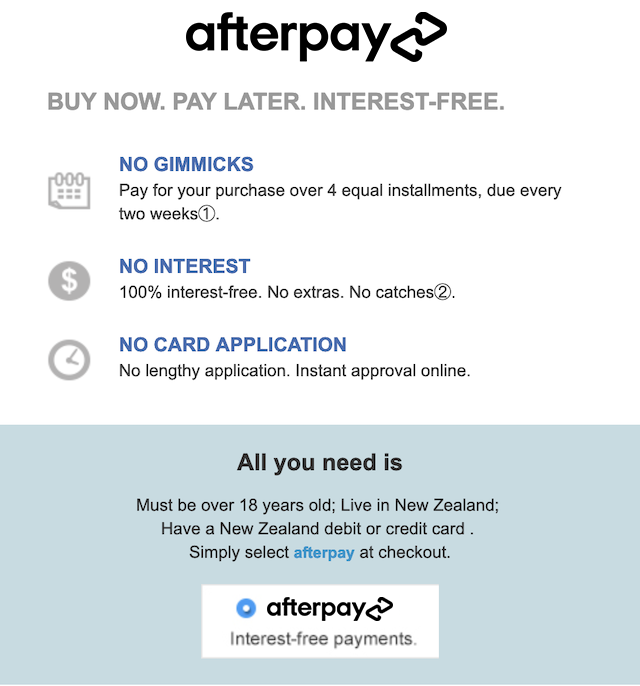
4 installments with ,
+ Delivery
ETA: 7 - 15 business days

Shipping Carrier: International Registered Post

Ships from and sold by Globaloutlet

We proudly accept:

Buy Now
contact us for more discounts on bulk buys

Item Description

RCM device shorting connector for NS switch that allows you to enter recovery mode.

Used to modify archives and game simulators such as GBA/FBA. Supports SX OS, atmospheric HLB.

Easy to use, slide it into the rail and stop inserting when you feel resistance from the machine.

Precise mold opening, integrated molding, will not damage the NS Switch machine.

ABS plastic material, after testing, it can be plugged and unplugged many times, purchased once and used for life. 

Note:
The short connector does not need to be inserted into the bottom!
RCM enters the black screen to indicate success!

Packing List:
1 x RCM Short circuit tools(Tool ONLY)
1 x Box

How to use RCM Jig?
1.long press NS power button, pop-up menu select "power option",click "turn off". Turn NS off completely.
2.Copy needed files to the root directory of your TF card
3.Connect your RCM Jig to the Right-Hand Joycon rail of switch.
4.Then hold VOL+ press the Power Button.
5.NS is still in black screen, but already enter into RCM.
6.Connet your NS and computers/Android phones/dongle and inject the boot program via the microUSB Cable.
7.Guide you to the TF card system, you can run a variety of homemade software, systems, games.

Warranty

This product comes with a 30 Days Manufacturer's Warranty, please click here for details.

For warranty and returns assistance please contact us.

Statutory conditions and warranties also apply.

Add to Cart
X

Notify me when the item is restock!


*please input your name


*please input your email


*please input verify code
I would like to receive your Newsletter to be the first to know about hot offers!
×

① For first time Afterpay customers the first payment will be made at the time of purchase, with payments over 6 weeks. Existing Afterpay customers first payment will be made in 14 days, with payments over 8 weeks. The full payment schedule will be provided to you at time of purchase.

② If you fail to have sufficient funds available for a afterpay to automatically deduct payment on due installment dates you will be charged a late fee of $10 and if the installment payments remains overdue one week late, an additional $7 will be charged.

zip
